Give Us Your Feedback! - Neat Products & Support

We'd love to get your feedback and ideas to help us make Neat even better and more useful for your needs. To that end, we now have two easy ways to share your thoughts and ideas with our product team. Follow the simple steps below to share them in either the Neat web app or the Neat mobile app.
The Neat web app (app.neat.com)
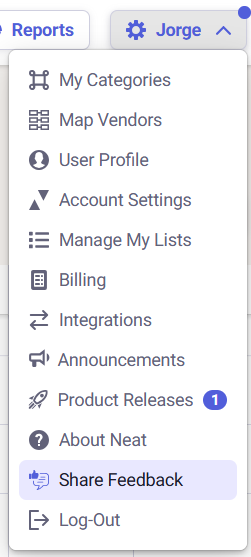
- From any section of the Neat web app, click your name in the top right to view the drop-down list of options.
- Find Share Feedback near the bottom of the list and click it.
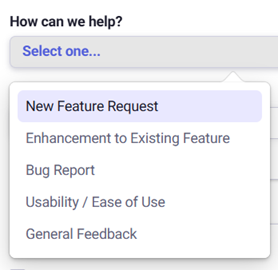
- In the Share Feedback pop-up, you can choose one of the following options from How can we help? which let's us know what kind of feedback you're providing:
- New Feature Request
- Enhancement to Existing Feature
- Bug Report
- Usability / Ease of Use
- General Feedback
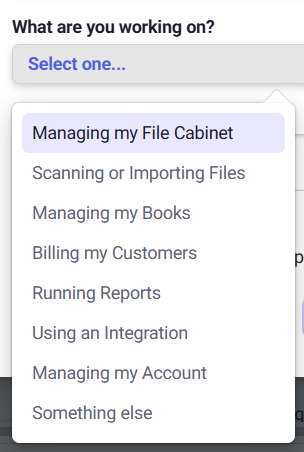
- Select an option from What are you working on? to let us know which section of Neat your feedback is about:
- Managing my File Cabinet
- Scanning or Importing Files
- Managing my Books
- Billing my Customers
- Running Reports
- Using an Integration
- Managing my Account
- Something else
- Use the Tell us more text box to provide a clear description of how your idea would look and function if it were implemented. Include details of any process or steps you imagine would be followed to make your idea a reality. The easier it is for our team to imagine how your idea works, the better we can match what you have in mind.
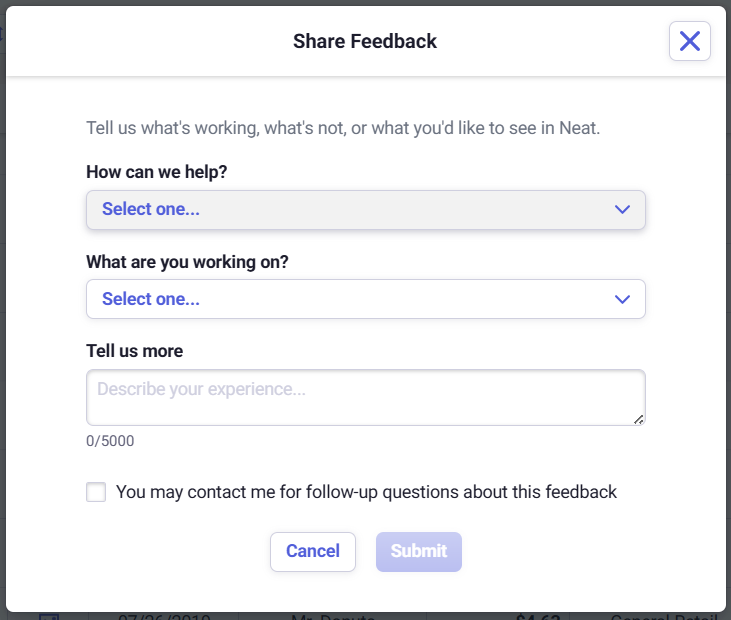
- Important: If our team has any questions or needs clarification, they may want to contact you for more details. If you're ok with that, please be sure to check the box for "You may contact me for follow-up questions about this feedback".

- When finished, click Submit. Thanks for sharing your feedback!
The Neat mobile app
-
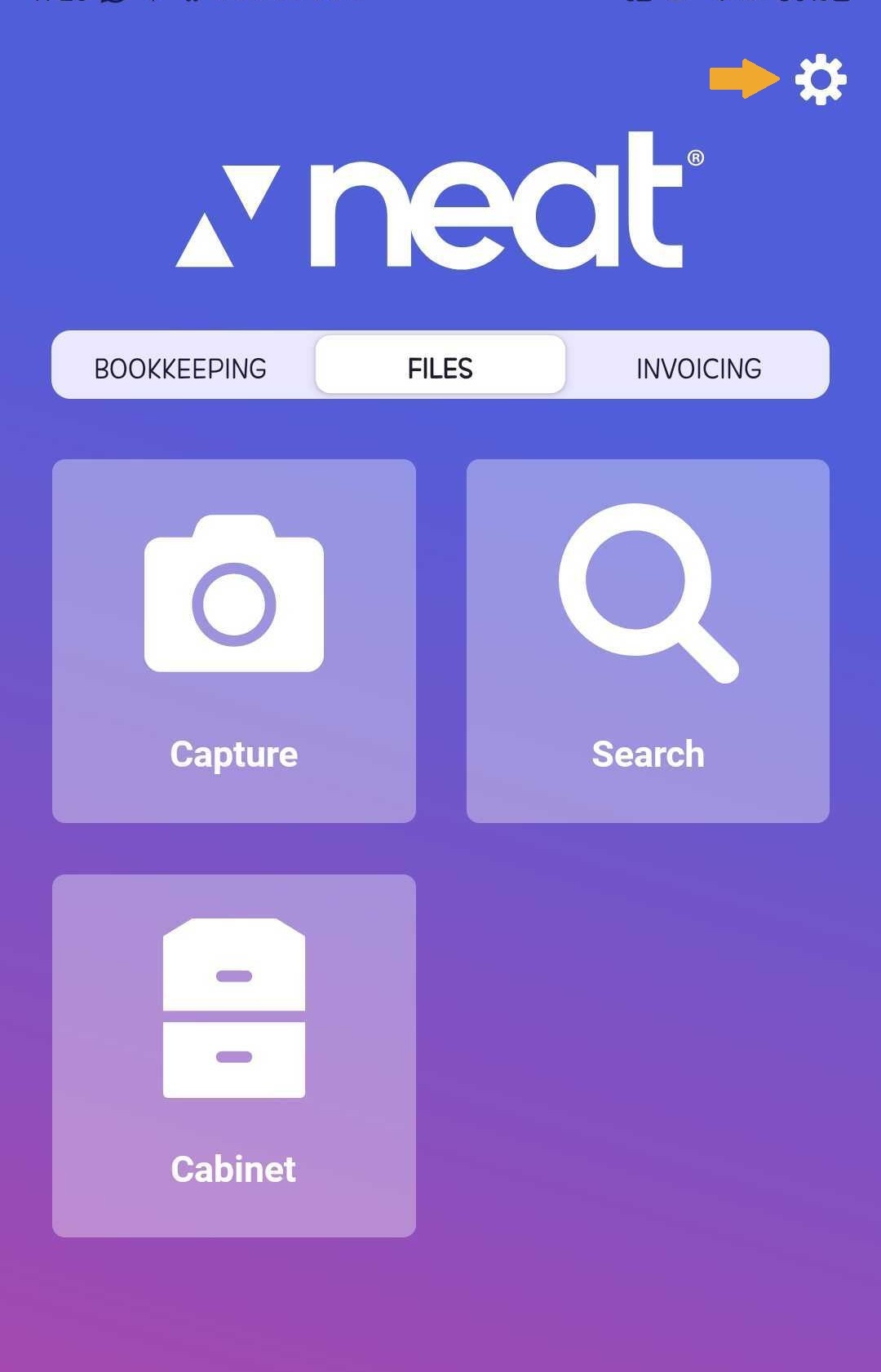
After signing into the Neat mobile app, tap Settings (the gear icon) in the top right.
-
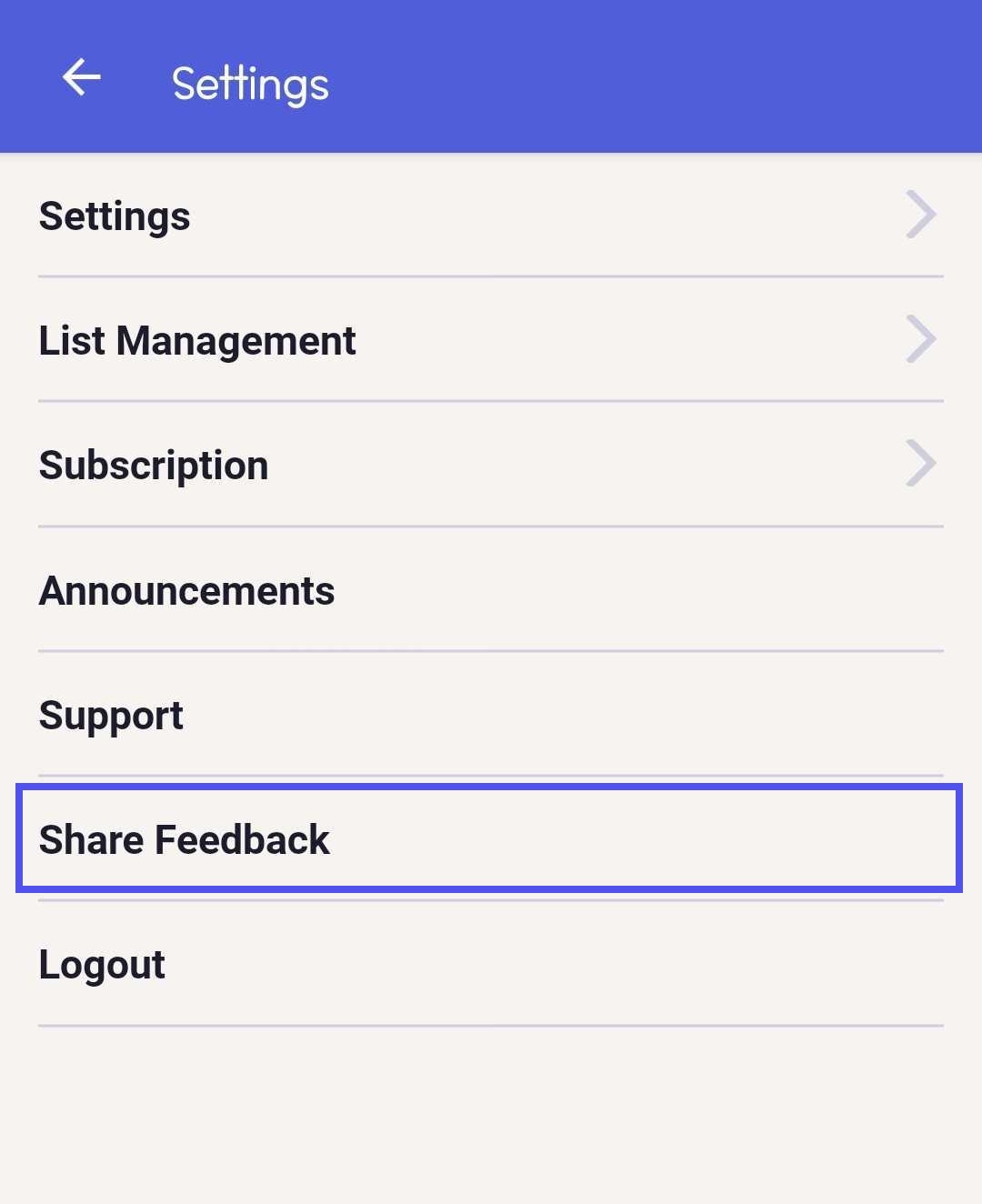
Tap Share Feedback.
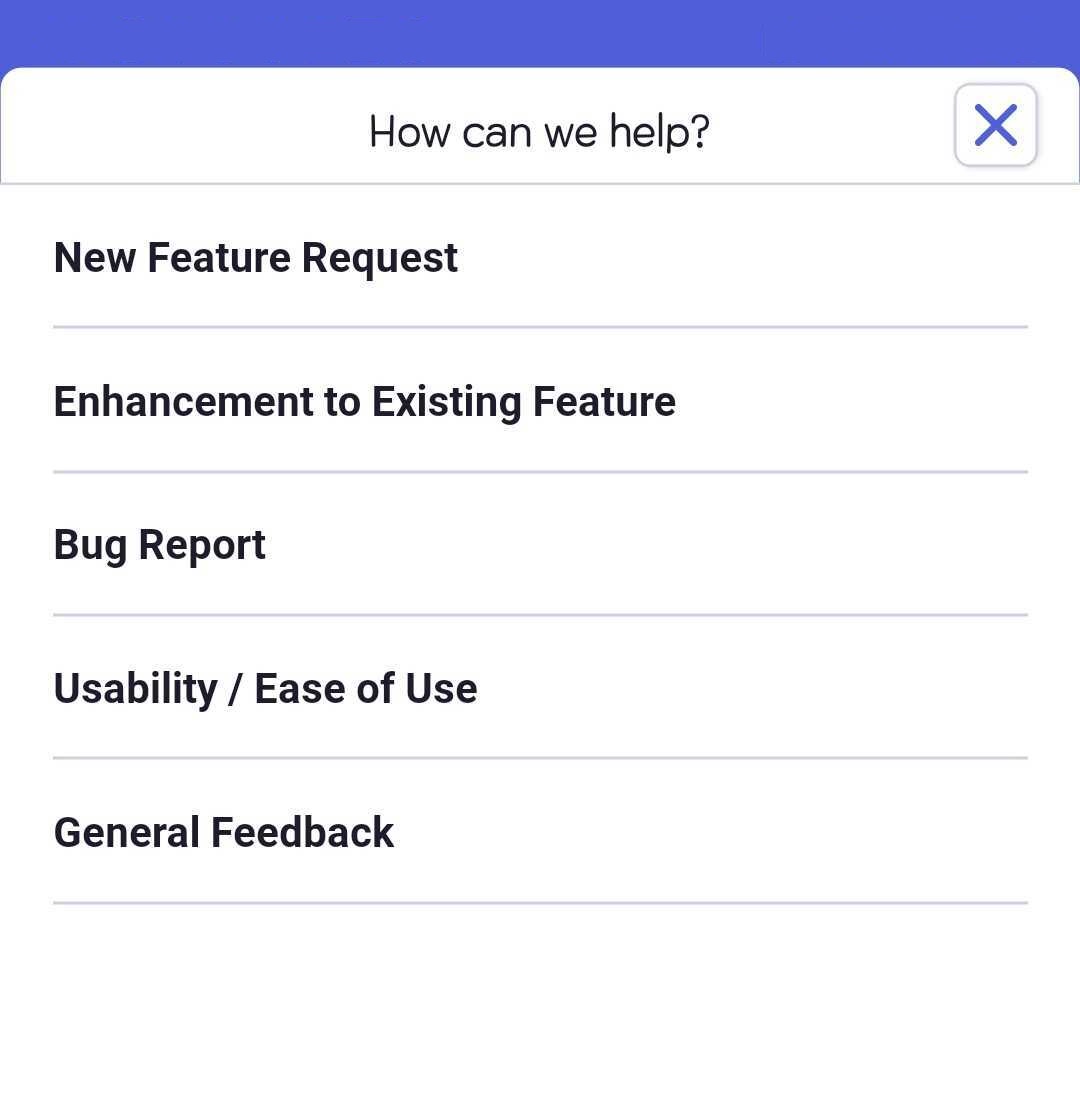
- In the Share Feedback screen, select the option from the drop-down list that best fits your feedback.
You can choose one of the following options from How can we help? which let's us know what kind of feedback you're providing:
- New Feature Request
- Enhancement to Existing Feature
- Bug Report
- Usability / Ease of Use
- General Feedback
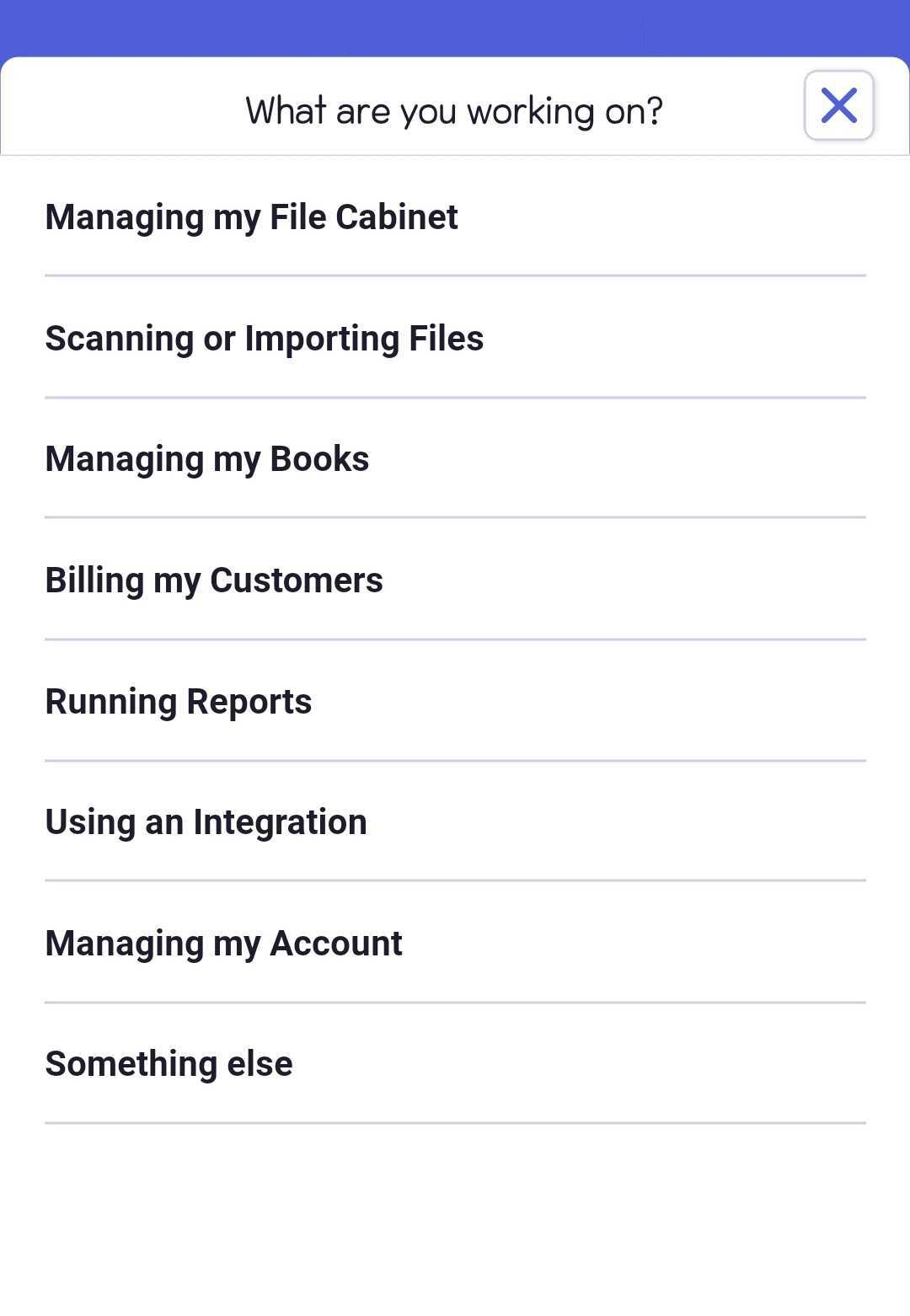
- Select an option from What are you working on? to let us know which section of Neat your feedback is about:
- Managing my File Cabinet
- Scanning or Importing Files
- Managing my Books
- Billing my Customers
- Running Reports
- Using an Integration
- Managing my Account
- Something else
- Use the Tell us more text box to provide a clear description of how your idea would look and function if it were implemented. Include details of any process or steps you imagine would be followed to make your idea a reality. The easier it is for our team to imagine how your idea works, the better we can match what you have in mind.
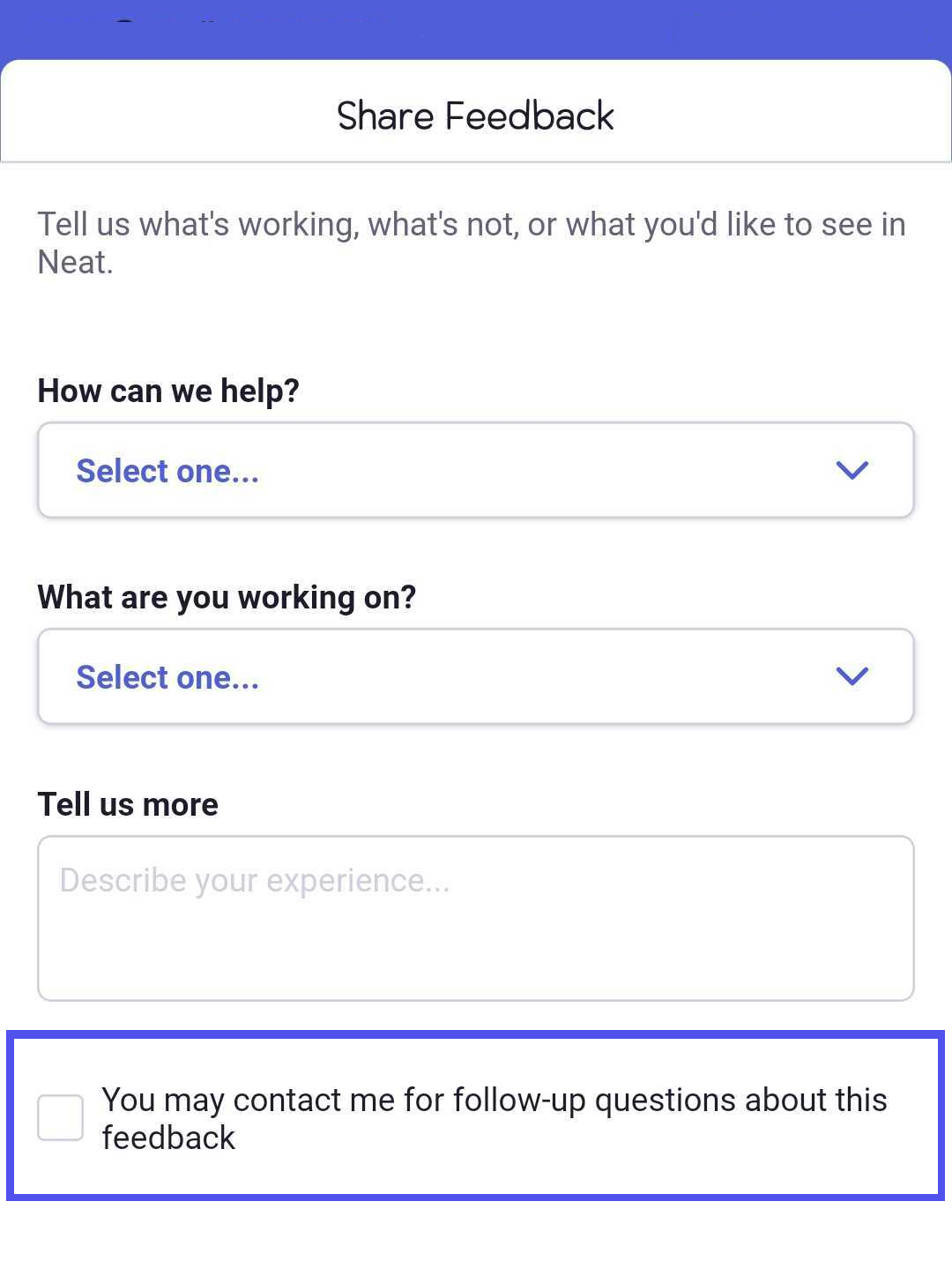
- Important: If our team has any questions or needs clarification, they may want to contact you for more details. If you're ok with that, please be sure to check the box for "You may contact me for follow-up questions about this feedback".
- When finished, click Submit. Thanks for sharing your feedback!
