New Beta Search Experience
We're introducing a new and improved search experience, now available in beta, designed to help you find what you're looking for faster!What's New:
Users can customize how Neat searches for files by turning different search settings ON or OFF.
- Enable & disable the New Beta Search Experinece
- Access & configure three new search settings
- Include Document Text (OCR) Search Setting
- Match Similar-Sounding Word Search Setting
- Match Any Search Term Search Setting
- Tell us what you think! Learn how to provide feedback on the new search experience
Enable & Disable the New Beta Search Experinece
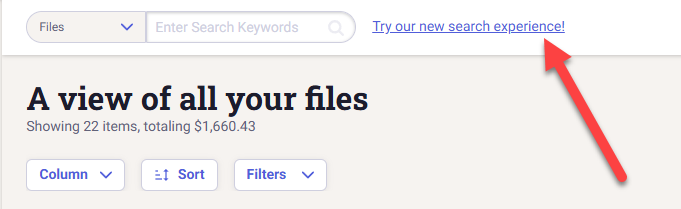
To enable the new beta search experience, click the Try our new search experience! button next to the search bar.
Once enabled, you can turn the beta search experience on or off by:
To enable the new beta search experience, click the Try our new search experience! button next to the search bar.
Once enabled, you can turn the beta search experience on or off by:
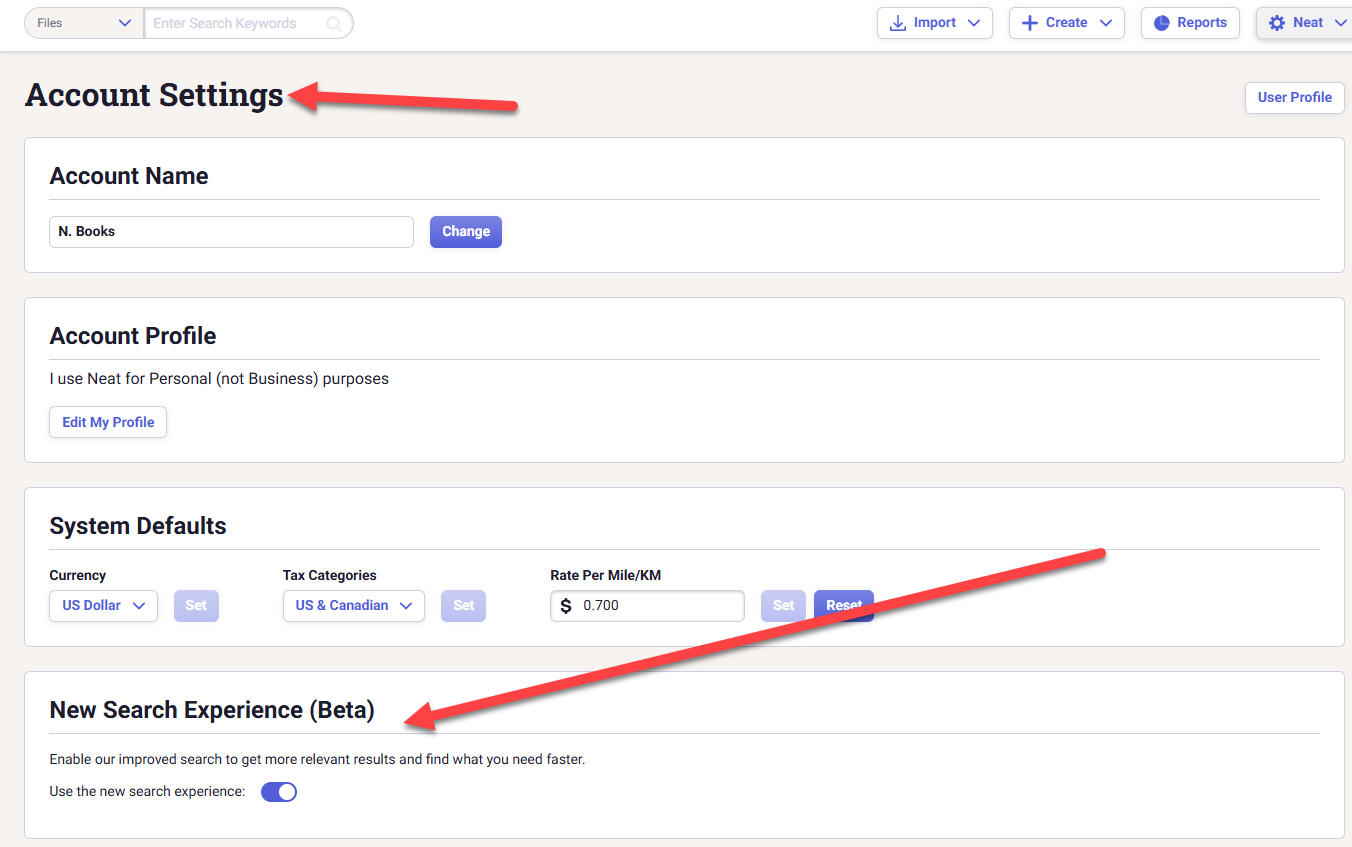
- Clicking your name at the top right corner of Neat.
- Then click Account Settings.
- Scroll down your account setting until you see the New Search Experience (Beta) section.
- Toggle the switch on or off to enable or disable the new experience.
Configure New Search Settings in the Neat web app
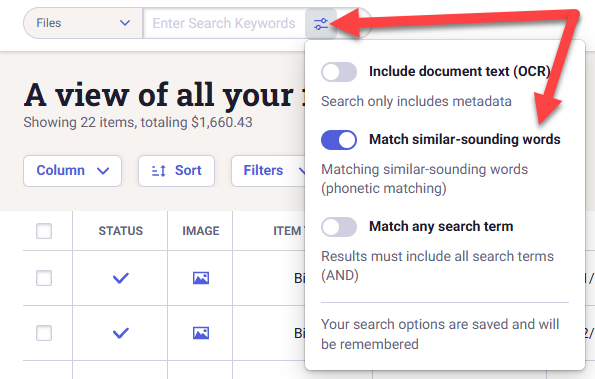
- Once you have enabled the beta search experience, you can then access and configure three new search settings.
- Click the new Configure button
 in the search bar to access the new search settings.
 - Toggle your search settings to your desired settings.
- Once you have enabled the beta search experience, you can then access and configure three new search settings.
- Click the new Configure button in the search bar to access the new search settings.
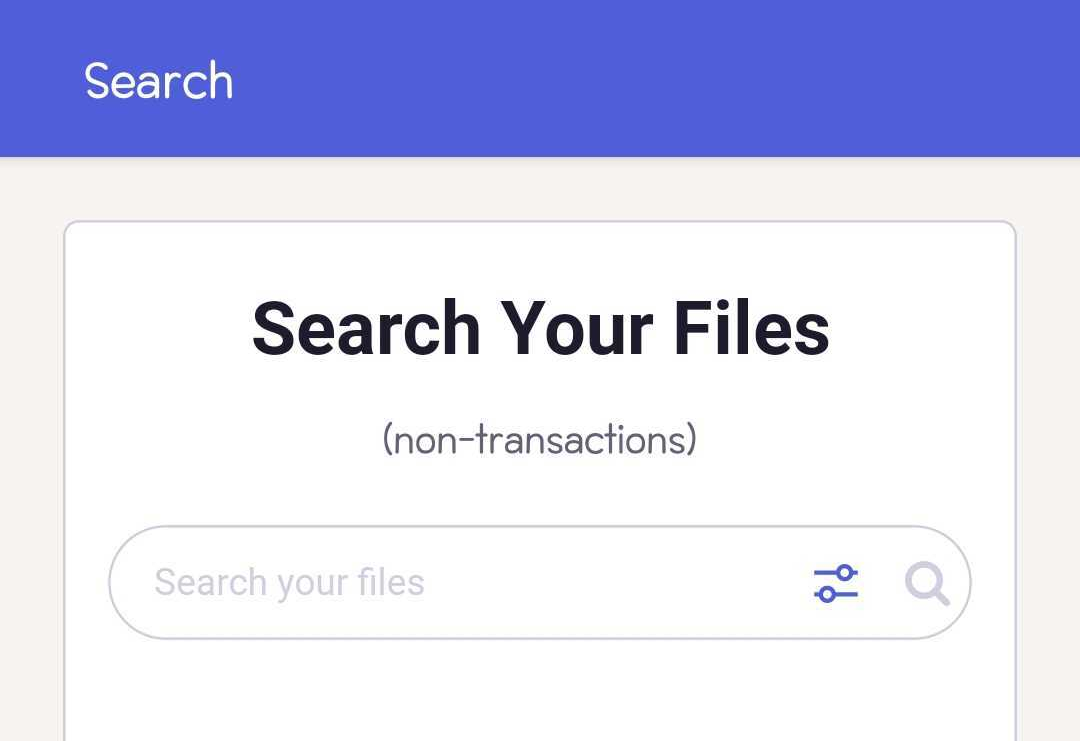
- Toggle your search settings to your desired settings. Click Apply to save your chosen settings.
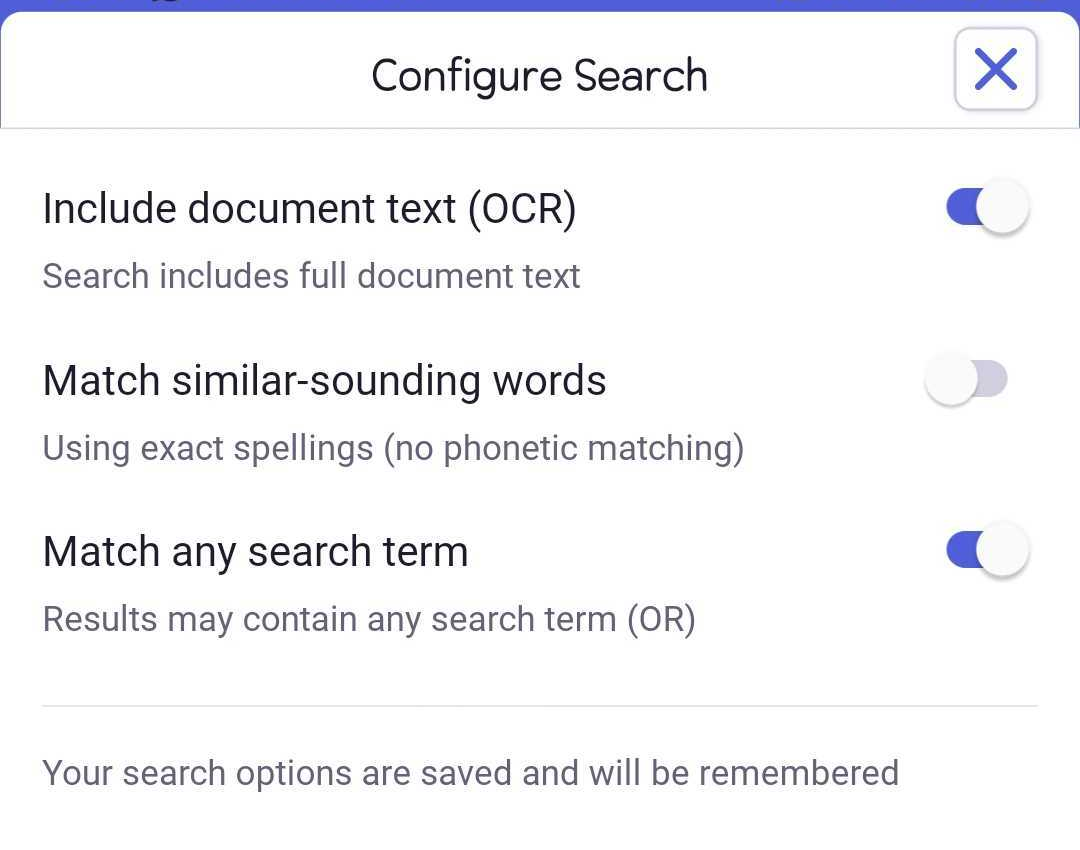
Include Document Text (OCR):
This setting controls whether Neat searches the actual text found inside your documents.
This setting controls whether Neat searches the actual text found inside your documents.
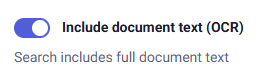
| When turned ON, Neat will search the full text of your documents using OCR (Optical Character Recognition). This means your search results can include files where the search term appears anywhere on the document itself. |
|
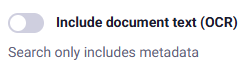
| When turned OFF, Neat will only search the information stored in the file's fields, such as vendor, category, date, amount, and other metadata. Text found within the document itself will not be included in the search. |
|
Match Similar-Sounding Words:
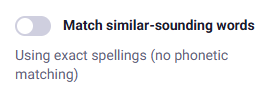
This setting allows Neat to find words that sound similar to your search term, even if they are spelled differently.
This setting allows Neat to find words that sound similar to your search term, even if they are spelled differently.
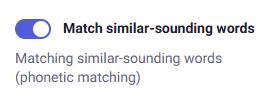
| When turned ON, Neat will include words that sound like your search term in the results. For example, searching for ‘Smith' will also return results spelled ‘Smyth’. |
|
| When turned OFF, Neat will only return results that contain the exact spelling of your search term. |
|
Match Any Search Term:
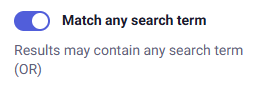
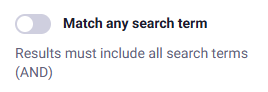
This setting controls how Neat handles searches that contain multiple search terms.
This setting controls how Neat handles searches that contain multiple search terms.
| When turned ON, Neat will return results that contain ANY of the search terms. |
|
| When turned OFF, Neat will only return results that contain ALL of the search terms. |
|
More search improvements are on the way!
We'd love to hear what you think of the new search experience. Share your feedback anytime using our new in-app feedback form to help shape future enhancements.
We'd love to hear what you think of the new search experience. Share your feedback anytime using our new in-app feedback form to help shape future enhancements.
